
Announcement Bar
The Announcement Bar is displayed at the top of your store and is designed to highlight important messages for your customers. It is commonly used to promote special offers, shipping updates, sales announcements, or important store information.
In the Soft theme, the Announcement Bar is highly customizable. You can add multiple announcement messages, control how they appear, adjust their scrolling or sliding behavior, and customize the layout to match your store design.
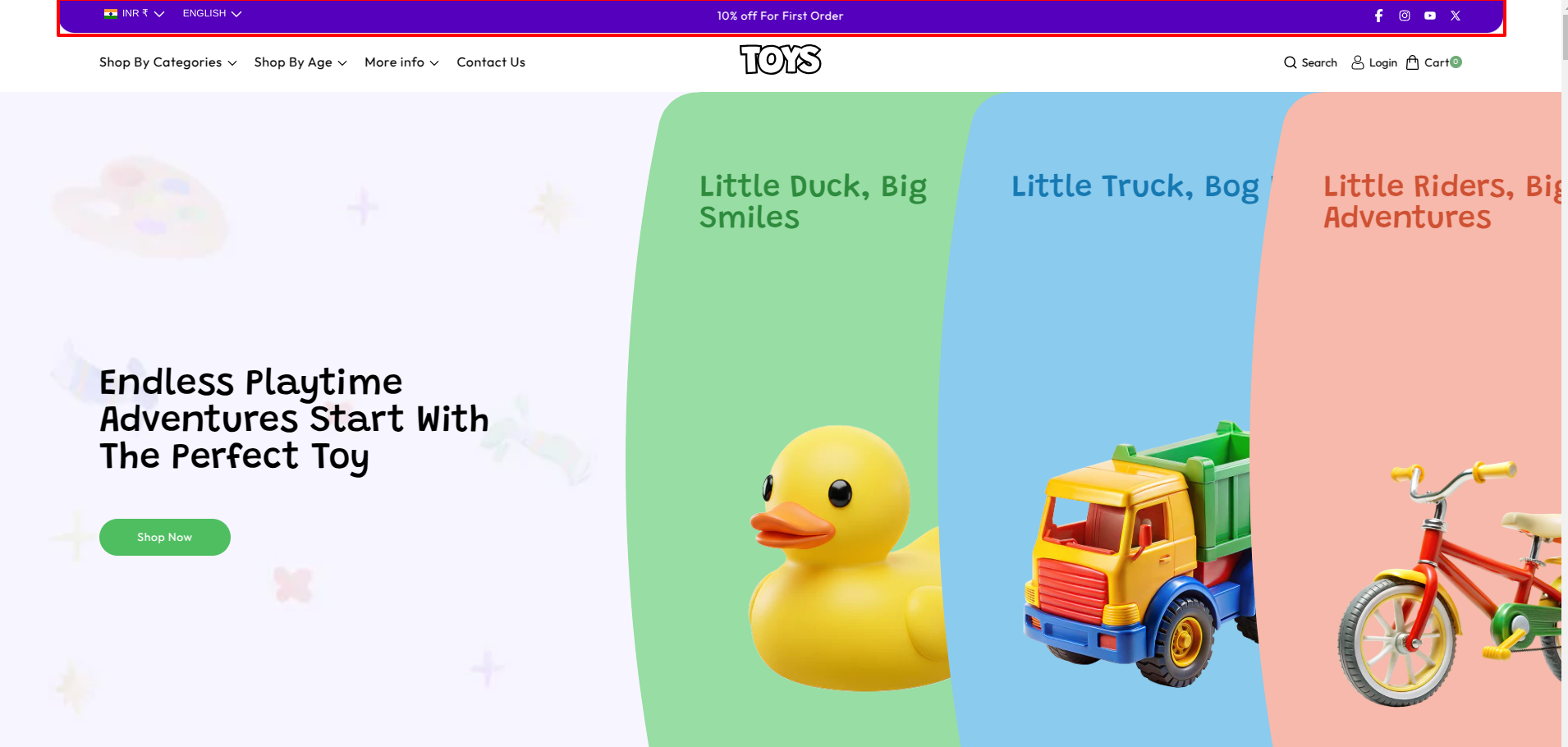
Steps to Set Up the Announcement Bar in Your Shopify Theme, Soft
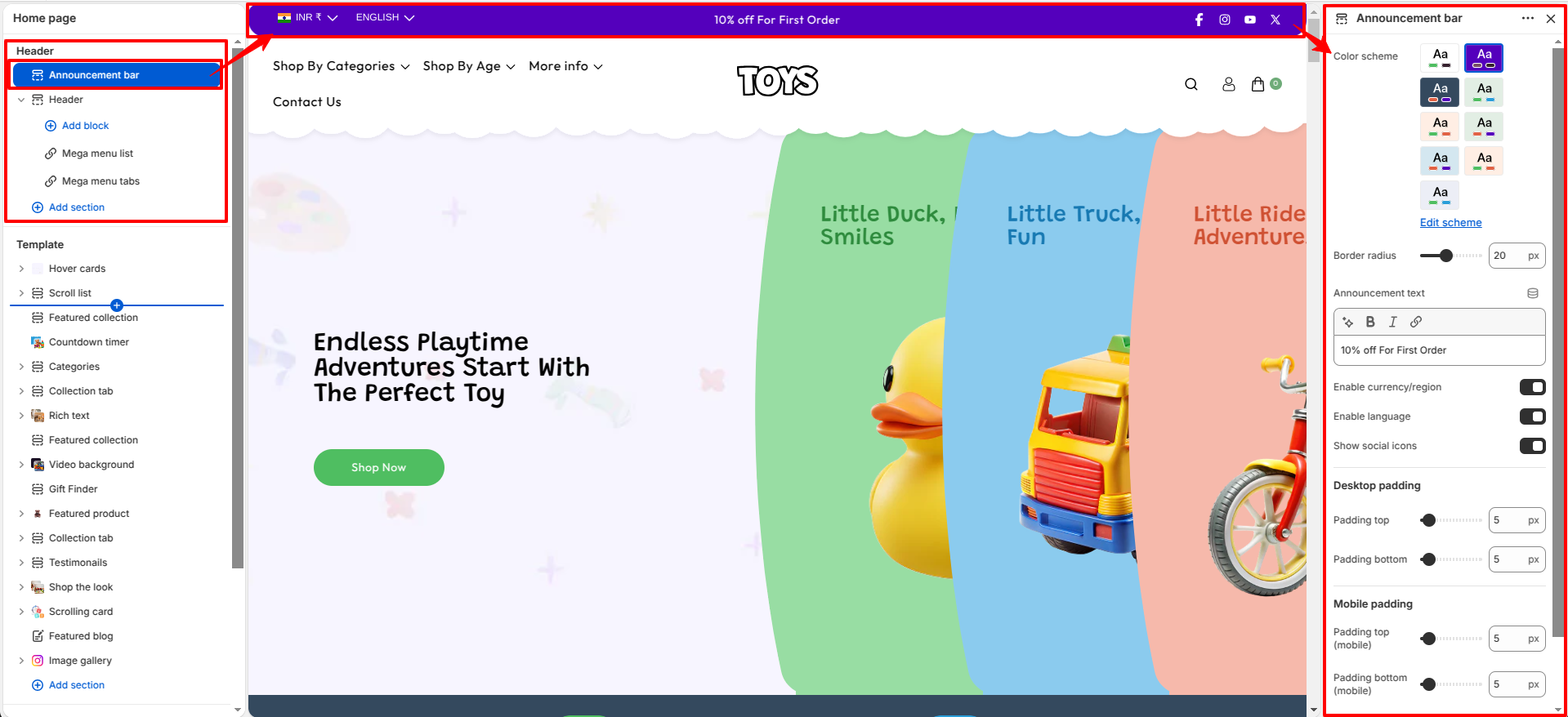
How to Configure the Announcement Bar
- From your Shopify admin, go to Online Store → Themes.
- Click Customize on the Soft theme.
- In the Theme Editor, select the Announcement Bar section from the left sidebar.
- Add announcement blocks and adjust the available settings according to your needs.
- Click Save to apply your changes.
Follow these steps to configure your Announcement Bar
- Color Scheme: Choose a color scheme to control the background and text colors of the announcement bar.
- Border radius: Adjust the rounded corners of the announcement bar.
- Announcement Announcement text: Enter the message you want to display in the announcement bar (for example: 10% off For First Order).
- Enable currency/region: Enable this option to display currency and region information in the announcement bar.
- Enable language: Enable this option to display a language switcher in the announcement bar.
- Show social icons: Enable this option to display social media icons in the announcement bar, allowing users to quickly visit your social media profiles.
-
Desktop padding: Control the spacing around the
announcement bar.
- Top Spacing – Adjust space above the bar.
- Bottom Spacing – Adjust space below the bar.
-
Desktop padding: Control the spacing around the
announcement bar.
- Top Spacing – Adjust space above the bar.
- Bottom Spacing – Adjust space below the bar.
FAQs
How many announcements can I add?
You can add multiple announcement blocks in the Announcement Bar section. These messages can be displayed either as a scrolling marquee or as rotating slides depending on the selected mode.
Why is my announcement not sliding?
Ensure that the Slider Mode is selected and that Autoplay is enabled. If multiple announcement blocks are added, they will automatically rotate based on the configured slide duration.